

HIPAA IT Security Checklist For Montana Dental Practices
Most Dental Practices Assume Their IT Security Is Covered. This Checklist Finds Out If That Is Actually True.
A thirty-minute self-assessment built specifically for Montana dental practices. Work through it based on what you know today. By the end you will have a clear picture of where your security posture stands before a ransomware attack, a failed insurance renewal, or a HIPAA audit finds the gaps first.
Ransomware Targeting Of Dental Practices In 2026
Dental Practices Combine Patient Data, Payment Systems, And Software That Cannot Go Down. Attackers Know This.
Ransomware operators have become specific about who they target.
A dental practice with a full appointment book cannot afford downtime.
Patient records fall under HIPAA.
Payment data runs through the same environment as clinical data.
The team keeping everything running is focused on patients, not security.
We manage IT for dental practices across Montana. The patterns we see are consistent. Most practices have more in place than they realise. The problem is that controls which exist but have never been tested, documented, or clearly assigned to someone are controls that will not hold up when they are needed.
That gap is where practices get caught out. This checklist helps you find it before something else does.
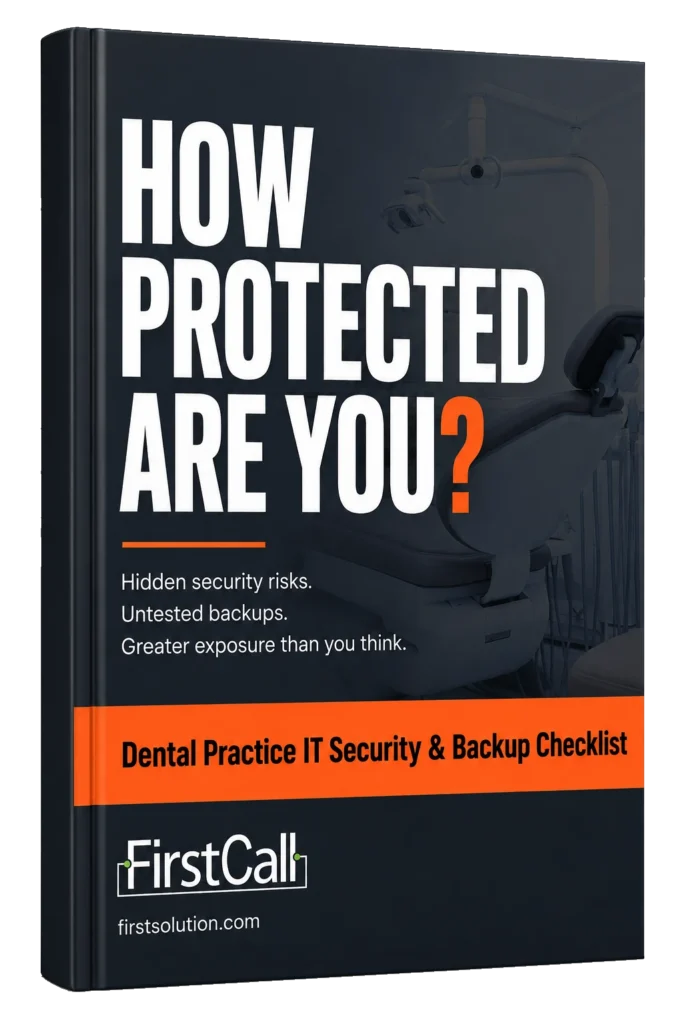
Dental Practice HIPAA Compliance Checklist
Six Areas Where Montana Dental Practices Most Commonly Have Security And Compliance Gaps
-
HIPAA compliance and governance
Who owns compliance and whether you could demonstrate it to an auditor today -
Access control and staff security
Shared logins, departed staff accounts, and who can access patient data -
Practice management and imaging system security
What Dentrix, Eaglesoft, and Carestream actually cover versus what they do not -
Backup and disaster recovery
Whether your backup has been tested and whether it would survive a ransomware attack -
Network and device security
Operatory network segmentation, unpatched devices, and patient wifi separation -
Incident response and breach readiness
Whether your practice knows what to do in the first hour of an attack
Each section ends with a what we see in practice observation and a space to score your current posture.
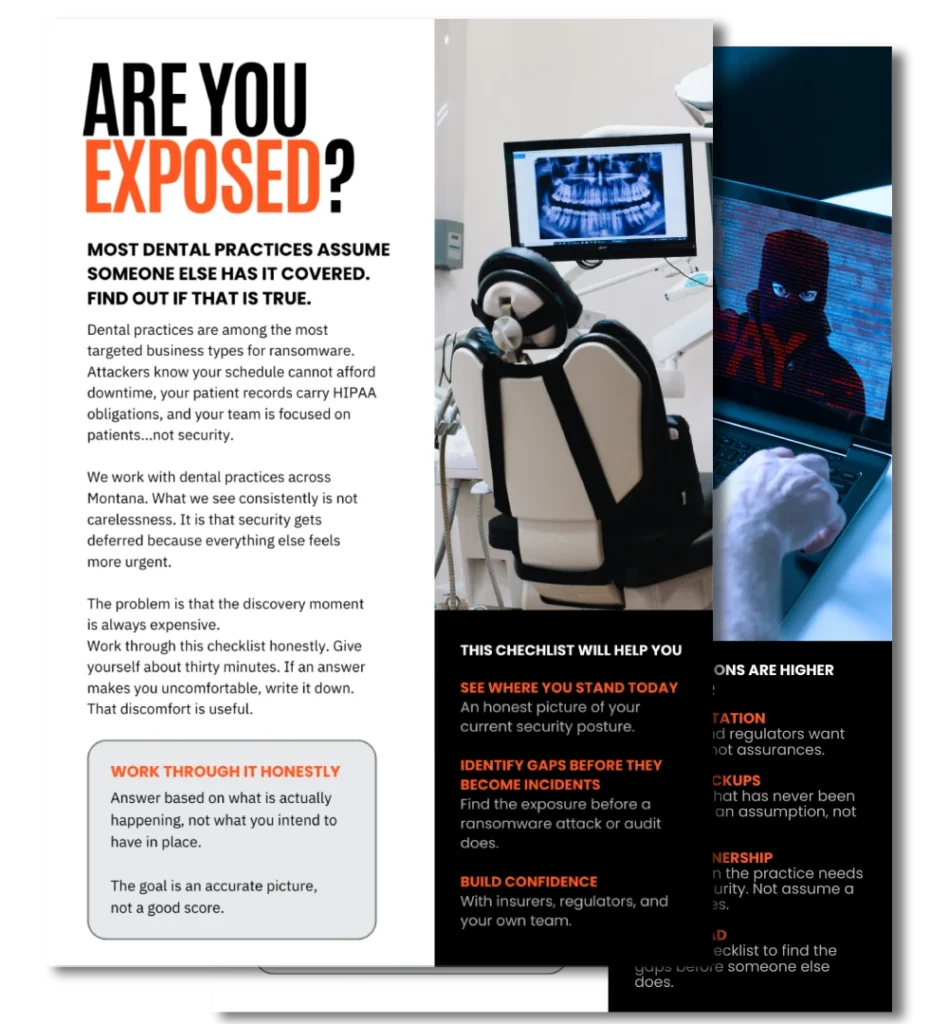
Who Needs A Dental Practice IT Security Review
Built For The People Responsible For Keeping The Practice Protected And Compliant

Practice Owners and Principal Dentists

Office Managers and Practice Administrators

IT Contacts and Managed IT Providers

Multi-Location Dental Groups and DSOs
If a ransomware attack, insurance renewal, or HIPAA question would land on your desk, this checklist is for you.
HIPAA Compliance Requirements For Dental Practices 2026
What Has Changed And Why Your Software Vendor's Compliance Does Not Cover Your Practice
HIPAA requires every dental practice handling patient records to maintain a written information security program covering risk assessment, access controls, incident response, and workforce training. That obligation sits with the practice, not the software vendor.
This is one of the most consistent misunderstandings we encounter. Dentrix, Eaglesoft, and Carestream are responsible for the security of their platforms.
They are not responsible for:
How your practice configures them
Who has access to your systems
How your network protects them
What happens to your data if your environment is compromised

When ransomware encrypts a practice’s files, the attack happened in your environment. The recovery is your responsibility.
Cyber insurance underwriters are now asking detailed security questionnaires at renewal. Practices that cannot demonstrate tested backups, multi-factor authentication, and documented access controls are finding premiums higher or coverage more limited than they expected.
The checklist covers all of this in plain language, with specific reference to the dental technology environment rather than generic healthcare IT guidance.
Dental Practice Ransomware Protection And Backup Requirements
A Backup That Has Never Been Tested Is An Assumption. An Untested Incident Response Plan Is A Document.
When ransomware hits a dental practice on a Tuesday morning, the recovery depends on two things: whether the backup actually works, and whether anyone knows what to do in the first thirty minutes.
We regularly work with practices that have a backup solution configured but have never run a restore test. Imaging files including X-rays and patient scans are frequently not included. Backups stored on drives connected to the same network as the primary environment get encrypted along with everything else.
The incident response plan situation is similar. A plan that lives in a filing cabinet and has never been walked through with staff is not a plan. Spending one hour with your team before an incident happens is worth more than most security investments.
The checklist covers both areas specifically and gives you a clear picture of where your practice stands.
What Happens When You Download The Checklist
Work Through It Once And See What Is Genuinely In Place Versus What Has Been Assumed
You do not need perfect information to complete this checklist. Work through it based on what you know today.
Some sections will be straightforward. Others may surface things you have been aware of but have not had time to address. That awareness is useful. It tells you where to focus first.
You go through the checklist, compare what you expected with what you found, and decide whether anything needs a closer look.
There is no sales sequence waiting on the other side of this download. Just a clearer picture of where your practice stands today.
Dental Practice IT Security Assessment Montana
Take The Free TechStack Challenge To Get A Clear Read On Where Your Practice Actually Stands
If the checklist surfaces gaps you want to understand more clearly, the TechStack Challenge is a free twenty-minute working session with a First Call expert who works specifically with Montana dental practices.
We understand the dental technology environment from the inside — practice management platforms, imaging systems, multi-operatory networks, and the specific HIPAA obligations that apply to dental. In the session we will review what you found, confirm real versus perceived risk, and identify the two or three things worth addressing first based on your specific setup.
- Review your checklist results with an IT advisor who works with Montana dental practices
- Confirm which security gaps represent genuine risk versus normal operational variance
- Identify what to address first based on your practice size, systems, and insurance requirements
- Get a straight answer on what to do next with no obligation to engage further
We have worked with dental practices across Montana since 1998. We will give you a useful conversation, not a sales pitch.
Montana Credit Union IT Support Since 1998

Monana
Owned and operated
Dental Practice HIPAA And Cybersecurity Questions
Common Questions From Montana Dental Practice Owners
Yes. Any dental practice that creates, receives, maintains, or transmits protected health information electronically is a covered entity under HIPAA. This includes patient records, billing information, and any data transmitted to insurers or other providers. The Security Rule requires dental practices to maintain a written information security program and conduct regular risk assessments.
Your software vendor may maintain HIPAA compliance for their platform. That does not mean your practice is compliant. You are responsible for how the software is configured, who has access to it, how your network protects it, and what happens to data stored in your environment. Vendor compliance and practice compliance are separate obligations.
Isolate affected systems immediately to prevent the attack spreading. Contact your IT provider and cyber insurance carrier. Do not pay a ransom without consulting legal counsel and your insurer first. If patient data was accessed or compromised, HIPAA breach notification obligations apply. Affected individuals must be notified within 60 days. Incidents affecting 500 or more individuals in a state also require notification to HHS and local media.
At minimum annually, though quarterly testing is better practice for a clinical environment where losing imaging data has direct patient care implications. Testing means actually restoring from the backup, not just confirming the backup job completed. You should know your recovery time objective -- how long it would take to restore full operations -- before you need to use it.
Based on what we see across Montana dental practices, the biggest risks are shared login credentials among staff, backups that have never been tested, imaging systems on the same network as general office devices, and incident response plans that exist on paper but have never been communicated to staff. These are all addressable. The checklist covers each of them specifically.
Most practice owners should have it, though policies vary significantly in what they cover. Underwriters are increasingly requiring evidence of specific controls at renewal -- multi-factor authentication, tested backups, staff security training, and documented incident response procedures. Practices that cannot demonstrate these controls are seeing premiums increase or coverage conditions tighten.